
Microsoft Outlook is one of the most widely used email clients for personal and business communication. It stores mailbox data in two primary file formats: PST (Personal Storage Table) and OST (Offline Storage Table). While PST files are portable and easy to manage, OST files are dependent on the Exchange, Office 365, or IMAP server with which they are associated. This dependency often creates challenges when users need to access OST data without the original server connection.
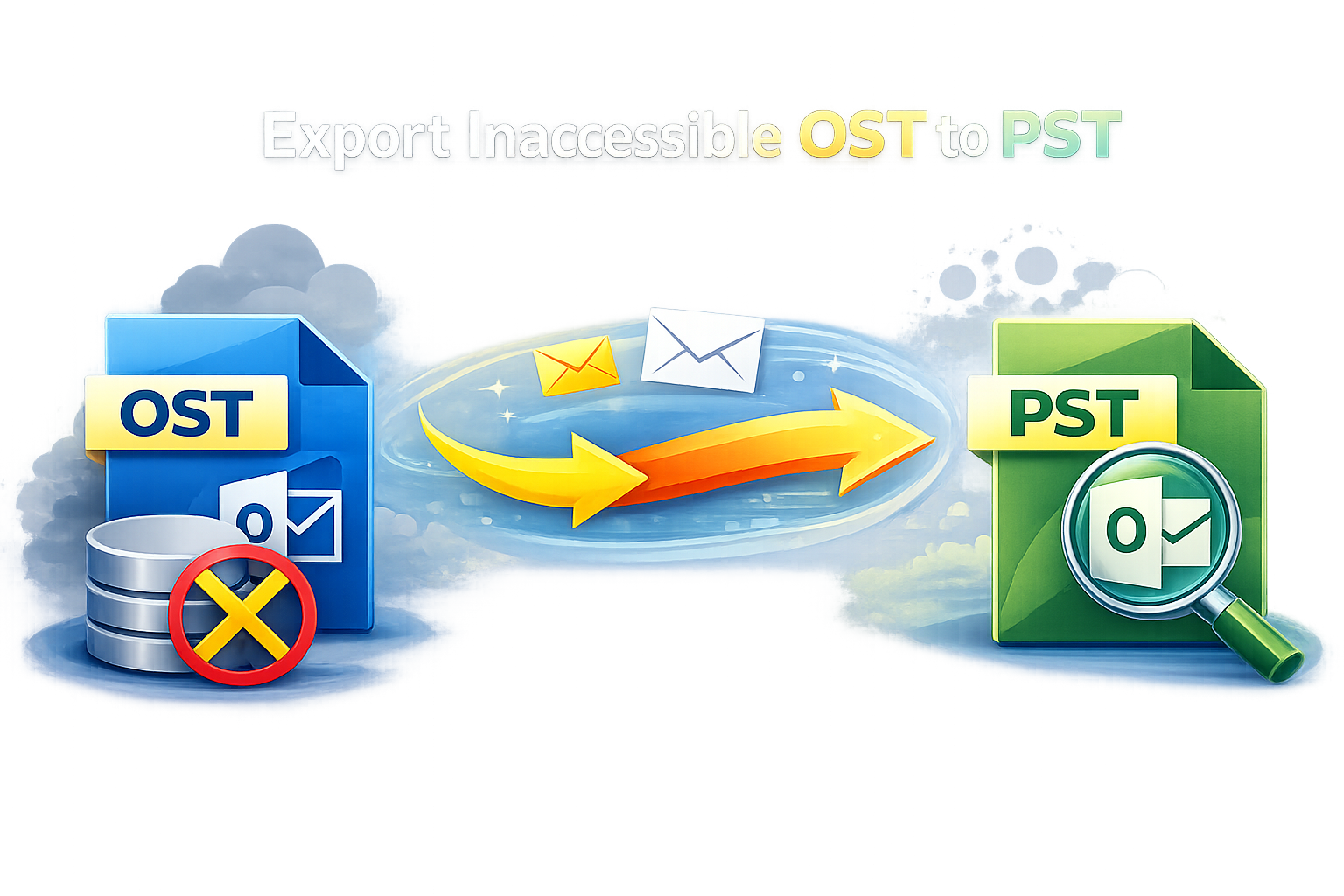
To overcome these challenges, many users rely on third-party tools designed to export OST to PST. One such solution is VSPL OST File to PST Exporter, a professional software that helps users convert OST files into accessible PST format safely and efficiently.
Understanding the Need to Export OST to PST
OST files are created when Outlook is configured with an Exchange, Microsoft 365, or IMAP account. These files allow users to work offline and sync changes once the server connection is restored. However, OST files cannot be opened directly in Outlook without the corresponding account and server authentication.
Common scenarios where OST to PST conversion becomes necessary include:
Exchange server crashes or permanent outages
Deleted or disabled user mailboxes
Employee exit or profile removal
Outlook profile corruption
Migration from Exchange to standalone Outlook
Need for long-term email backup or archiving
In such situations, converting OST files to PST ensures uninterrupted access to emails, attachments, contacts, calendars, and other mailbox items.
Overview of VSPL OST File to PST Exporter
VSPL OST File to PST Exporter is a specialized utility developed to extract mailbox data from OST files and save it in PST format. The software is designed to handle both healthy and orphaned OST files, making it suitable for a wide range of recovery and migration tasks.
The tool supports OST files created by all major versions of Microsoft Outlook and Windows. Its intuitive interface ensures that even non-technical users can complete the export process without complications.
Key Features of VSPL OST File to PST Exporter
1. Complete OST Data Conversion
The software converts all mailbox components, including emails, attachments, contacts, calendars, tasks, notes, and journals. It preserves the original folder hierarchy and metadata such as To, From, CC, BCC, subject, date, and time.
2. Supports Orphaned OST Files
One of the most valuable features of VSPL OST File to PST Exporter is its ability to convert orphaned OST files. Users do not need access to the original Exchange or Office 365 account to perform the export.
3. Compatibility with Multiple Outlook Versions
The tool supports OST files created by Outlook 2021, 2019, 2016, 2013, 2010, and earlier versions. The resulting PST file can be opened in any compatible Outlook edition.
4. Preview Before Export
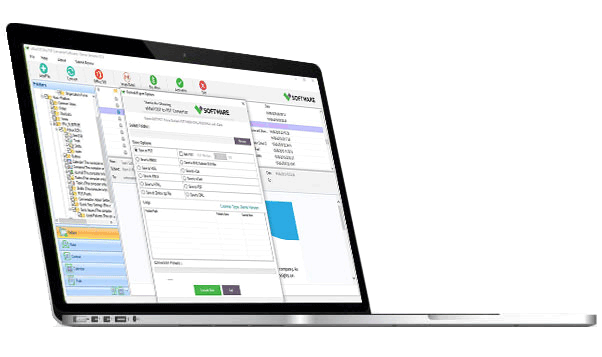
VSPL OST File to PST Exporter provides a preview option that allows users to view mailbox data before conversion. This helps in verifying file integrity and selecting specific folders or items if needed.
5. Maintains Data Integrity
During the export process, the software ensures that no data loss or modification occurs. The structure, formatting, and attachments remain exactly as they were in the original OST file.
6. User-Friendly Interface
The software is designed with simplicity in mind. Step-by-step instructions and a clean layout make it accessible to both IT professionals and regular Outlook users.
Step-by-Step Process to Export OST to PST
Using VSPL OST File to PST Exporter is straightforward and does not require advanced technical knowledge. Below is a general overview of the process:
Install and Launch the Software
Download and install VSPL OST File to PST Exporter on your Windows system. Launch the application once installation is complete.Add the OST File
Browse and select the OST file you want to convert. The software automatically scans the file to extract mailbox data.Preview Mailbox Data
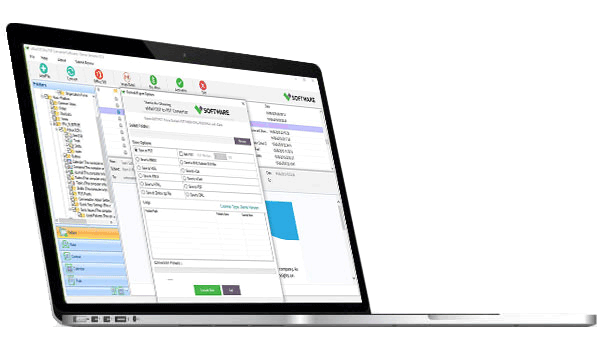
After scanning, all mailbox folders and items are displayed in a tree structure. Users can preview emails and other items before exporting.Choose PST as Export Format
Select PST as the output format and specify a destination location for the converted file.Start the Export Process
Click on the export button to begin converting the OST file into PST. The process duration depends on the size of the OST file.Access the PST File in Outlook
Once the process is complete, the PST file can be imported or opened directly in Microsoft Outlook.
Advantages of Using VSPL OST File to PST Exporter
Eliminates dependency on Exchange or Office 365 servers
Saves time compared to manual or native Outlook methods
Handles large OST files efficiently
Reduces risk of data loss
Suitable for individual users, IT administrators, and organizations
The software is especially useful in disaster recovery scenarios, where immediate access to mailbox data is critical.
Who Can Benefit from This Software?
VSPL OST File to PST Exporter is ideal for:
IT administrators managing Exchange environments
Businesses performing email migrations
Users facing Outlook or Exchange failures
Legal and compliance teams requiring email archives
Individuals needing offline access to Outlook data
Whether the requirement is recovery, migration, or backup, the tool offers a reliable solution.
Exporting OST files to PST is often essential when dealing with Exchange failures, orphaned mailboxes, or migration projects. Since OST files are not directly accessible without server authentication, a dedicated conversion tool becomes indispensable.
VSPL OST File to PST Exporter provides a secure, efficient, and user-friendly way to convert OST files into PST format while preserving data integrity. With its support for orphaned OST files, compatibility with multiple Outlook versions, and comprehensive data recovery features, it stands out as a practical solution for both individuals and enterprises.
For anyone seeking a dependable method to export OST to PST without data loss or technical complexity, VSPL OST File to PST Exporter is a powerful choice.

Write a comment ...