
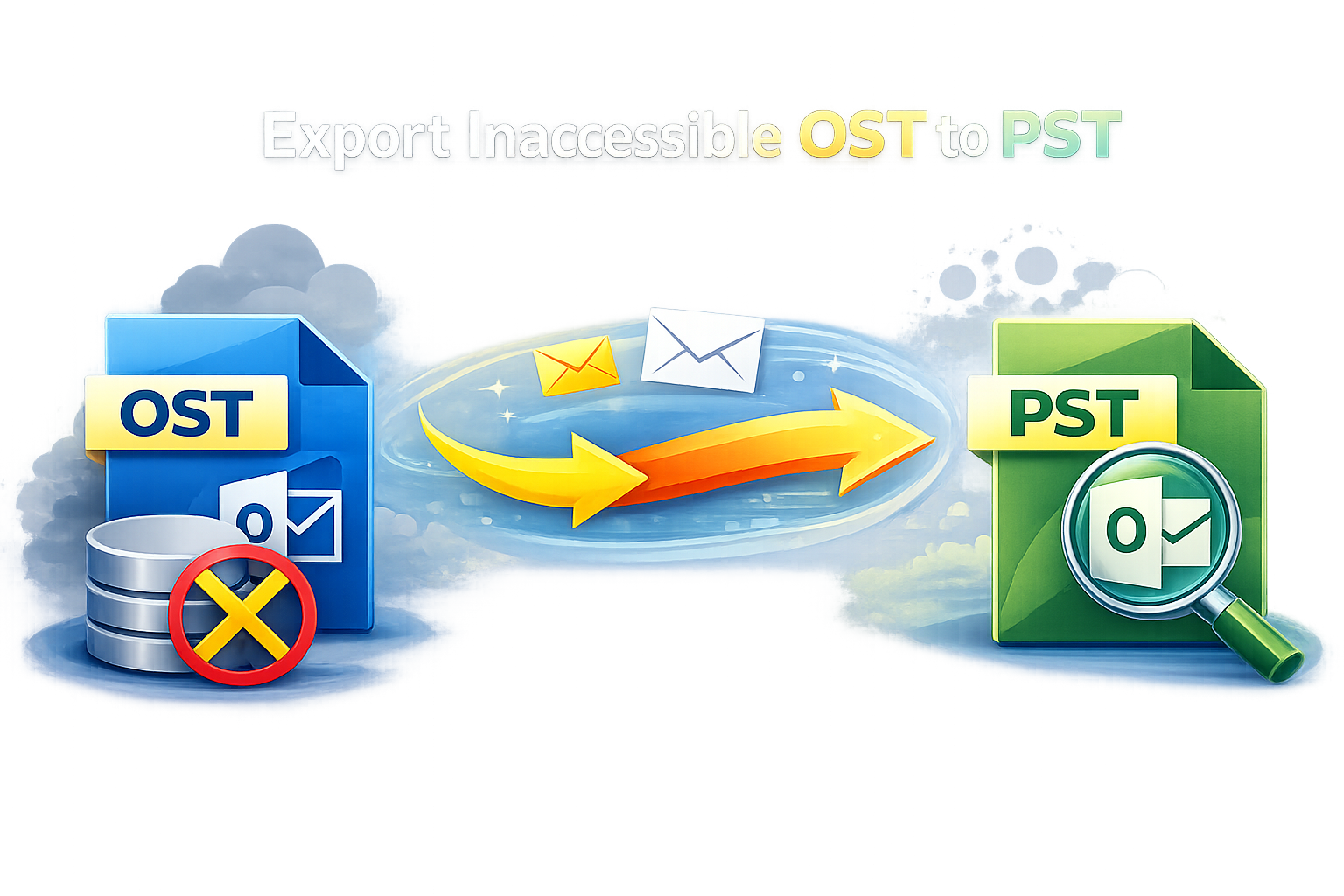
Microsoft Outlook stores mailbox data in two file formats: OST (Offline Storage Table) and PST (Personal Storage Table). OST files are created when Outlook is configured with Exchange, Microsoft 365, or IMAP accounts, allowing users to work offline. However, OST files are dependent on the original Outlook profile and server connection, which makes them inaccessible in many situations. This is why users often look for the best way to migrate OST data into PST format.
Why Is OST to PST Migration Required?
There are several scenarios where converting or migrating OST data to PST becomes necessary:
· Exchange server failure or permanent disconnection
· User account deletion or profile corruption
· Migration from Exchange or Microsoft 365 to a local Outlook profile
· Backup and archival of mailbox data
· Accessing OST data on a different system
Since OST files cannot be directly opened in Outlook without the original profile, migrating data to PST is the safest and most flexible solution.
Challenges in Migrating OST Data
Migrating OST data is not always straightforward. Some common challenges include:
· OST file associated with a deleted or orphaned Outlook profile
· Encrypted or inaccessible OST files
· Large mailbox sizes with emails, contacts, calendars, and attachments
· Risk of data loss during manual procedures
Because of these issues, choosing the right migration method is critical.
Manual Method to Migrate OST Data into PST
Microsoft Outlook provides a built-in option to export mailbox data from OST to PST using the Import/Export wizard. This method works only when the OST file is connected and accessible.
Limitations of the Manual Method
While this method is free, it has several drawbacks:
· Does not work with orphaned or inaccessible OST files
· Time-consuming for large mailboxes
· No option to selectively migrate data
· High risk of errors and data loss
· Requires Outlook installation and active profile
Due to these limitations, the manual approach is not considered the best solution for all users.
Professional OST to PST Migration Software – Best Way
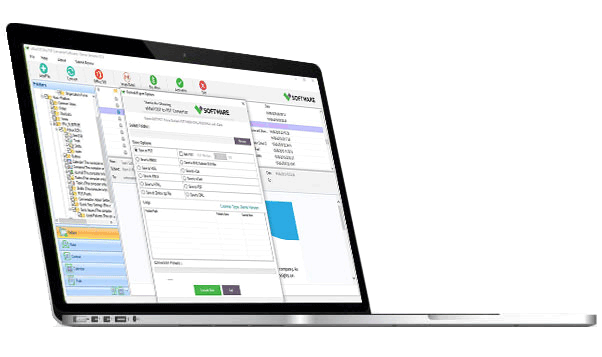
Using a professional OST to PST migration tool is widely regarded as the best and most reliable way to migrate OST data into PST format. VSPL OST file to PST migration tool is designed to handle complex scenarios that manual methods cannot.
Key Features of Professional OST to PST Tools
· Convert accessible, inaccessible, and orphaned OST files
· Maintain original folder hierarchy and data integrity
· Support emails, attachments, contacts, calendars, tasks, and notes
· Option to migrate selective folders or date ranges
· Handle large OST files without size limitations
· Compatible with all Outlook and Windows versions
With advanced scanning algorithms, professional tool can extract data even from damaged or encrypted OST files.
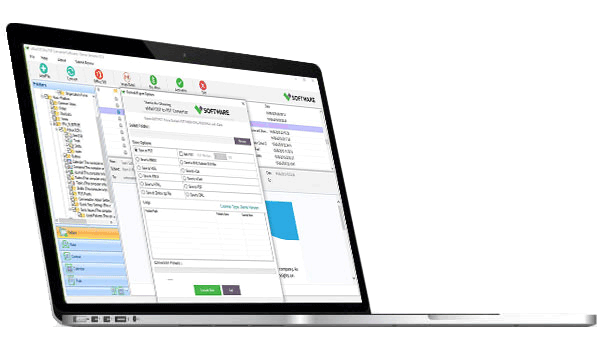
Step-by-Step Process Using This Professional Tool
1. Launch the OST to PST migration software
2. Browse and select the OST file
3. Choose scan mode (quick or advanced)
4. Preview mailbox data after scanning
5. Select Export to PST as the output format
6. Choose destination location and apply filters if required
7. Start the migration process
Within minutes, all OST data is safely migrated into a PST file that can be imported into Outlook.
Advantages of Using Professional Migration Software
· 100% data accuracy with no loss
· Works without Exchange or server connectivity
· Faster migration compared to manual methods
· User-friendly interface for non-technical users
· Ideal for enterprises, administrators, and individual users
These benefits makes this professional tool the preferred and best way to migrate OST data into PST.
Best Practices for OST to PST Migration
To ensure a smooth migration process, follow these best practices:
· Always keep a backup of the OST file
· Close Outlook before starting migration
· Use trusted and well-reviewed software
· Verify PST file after migration
· Ensure sufficient disk space for large mailboxes
Following these steps helps avoid errors and ensures successful data migration.
Migrating OST data into PST format is essential for data accessibility, backup, and long-term storage. While manual methods may work in limited situations, they come with significant restrictions. The best way to migrate OST data into PST is by using a professional OST to PST migration tool by VSPL, which ensures complete data recovery, accuracy, and flexibility.
Whether you are an individual user or an IT administrator handling multiple mailboxes, choosing the right migration approach saves time, prevents data loss, and guarantees secure access to your Outlook data.

Write a comment ...